- The Gathering Ground
- Posts
- Solve 2 months of problems in 2 hours with effective company gatherings
Solve 2 months of problems in 2 hours with effective company gatherings
PebblePost's Head of People shares how to find the sweet spot between meetups that are too rigid (boring) or too loose (unproductive).


Garrett Ullom & Nikhil Sethi
February 18, 2026
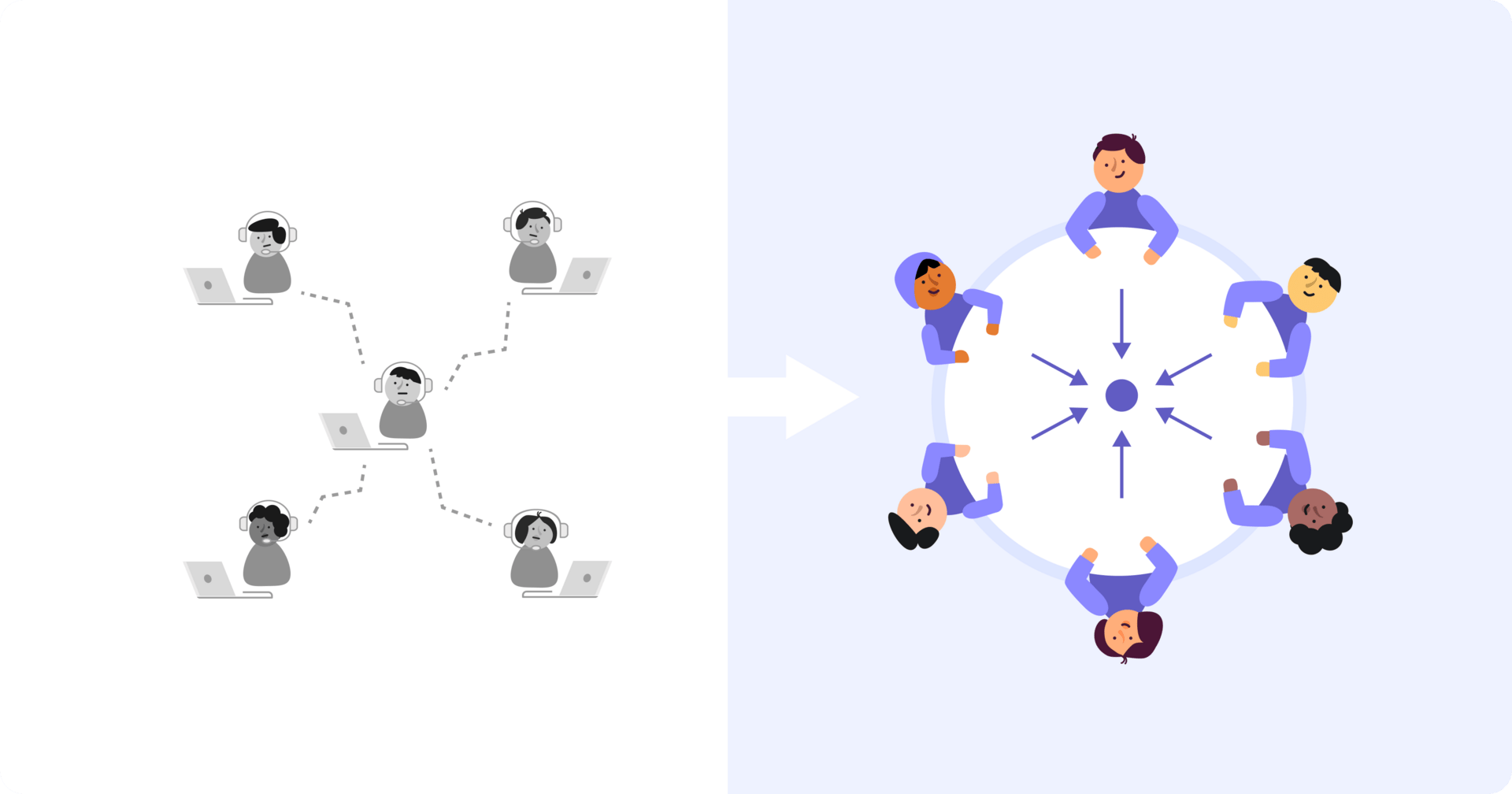
The perfect company gathering should be like Goldilocks.
When it’s over, you don’t want to hear “We had so many sessions, I barely talked to my coworkers” OR “I spent a lot of time with my coworkers, but I didn’t think about work once.” Something in the middle is just right.
Today, John Germinario, the Head of People at PebblePost, shares how he plans gatherings that bring people together and get a lot of work done.

How to Keep Teams Engaged
When it comes to a company meetup, no one wants to zombie-walk from session to session. But if there’s no schedule at all, nothing gets done.
John shared how he builds team meetups that find a happy medium – with both unstructured, in-person co-working time and structured, goal-minded sessions. The process takes about 8 months.
In this example, John works from September to April, but you can work this backwards from your event.

Step 1: Lock Down Logistics 8 Months Out
Build a per-person budget (considering hotel, flight, per diem, and ground transportation). Travel criteria is important too – consider factors like how far the airport is from your event and whether you’ll need all direct flights.
Step 2: Design the Hybrid Schedule Structure
For example: Schedule all-hands content from 9:30am-12:30pm, then set aside 1:30pm-5pm as "run the business" time. That’s where everyone co-works, but in the same room for once.
Step 3: Collaborate on Content with the C-Suite
Talk to the leaders to make sure sessions are focused on vision, product roadmap, and market positioning. That’s how you get everyone aligned.
Step 4: Take Care of Your Employees’ Happiness
With all the logistics in line, it’s time to plan a great experience. John’s suggestion? Make sure you have great food. It’s one of the most important things. And consider other special details like a peer-voted award ceremony so workers get some recognition after their work.
What’s New at Workgrounds HQ
Room blocks aren’t always uniform. Some rooms have different check-in dates, others might need suites or upgraded room types. And until now, it took manual effort to make sure the right guests were assigned to the right rooms.
With our latest product release, organizers can now select specific guests (individually or in bulk using tags), assign them to a particular room type or date configuration, and send customized invites. Guests only see the rooms they’re eligible to claim, and assignments sync automatically with the hotel.
This is especially useful when VIPs need specific room types, international travelers require extended stays, or teams have different arrival or departure schedules.

We also made it much easier to follow up with guests who haven’t acted on their invites. Organizers can now send reminders to all non-responders with a single click, eliminating the need to manually track and chase individuals.


To see the Workgrounds platform in action, book time with our founder.
